

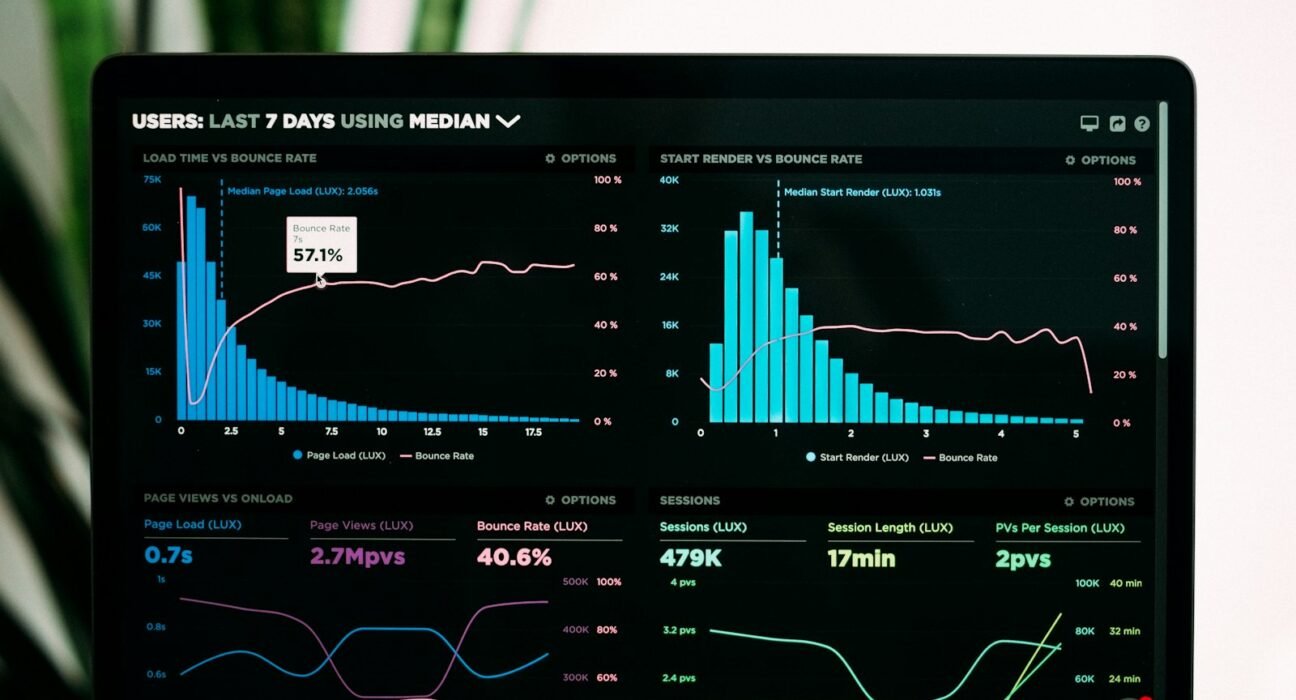
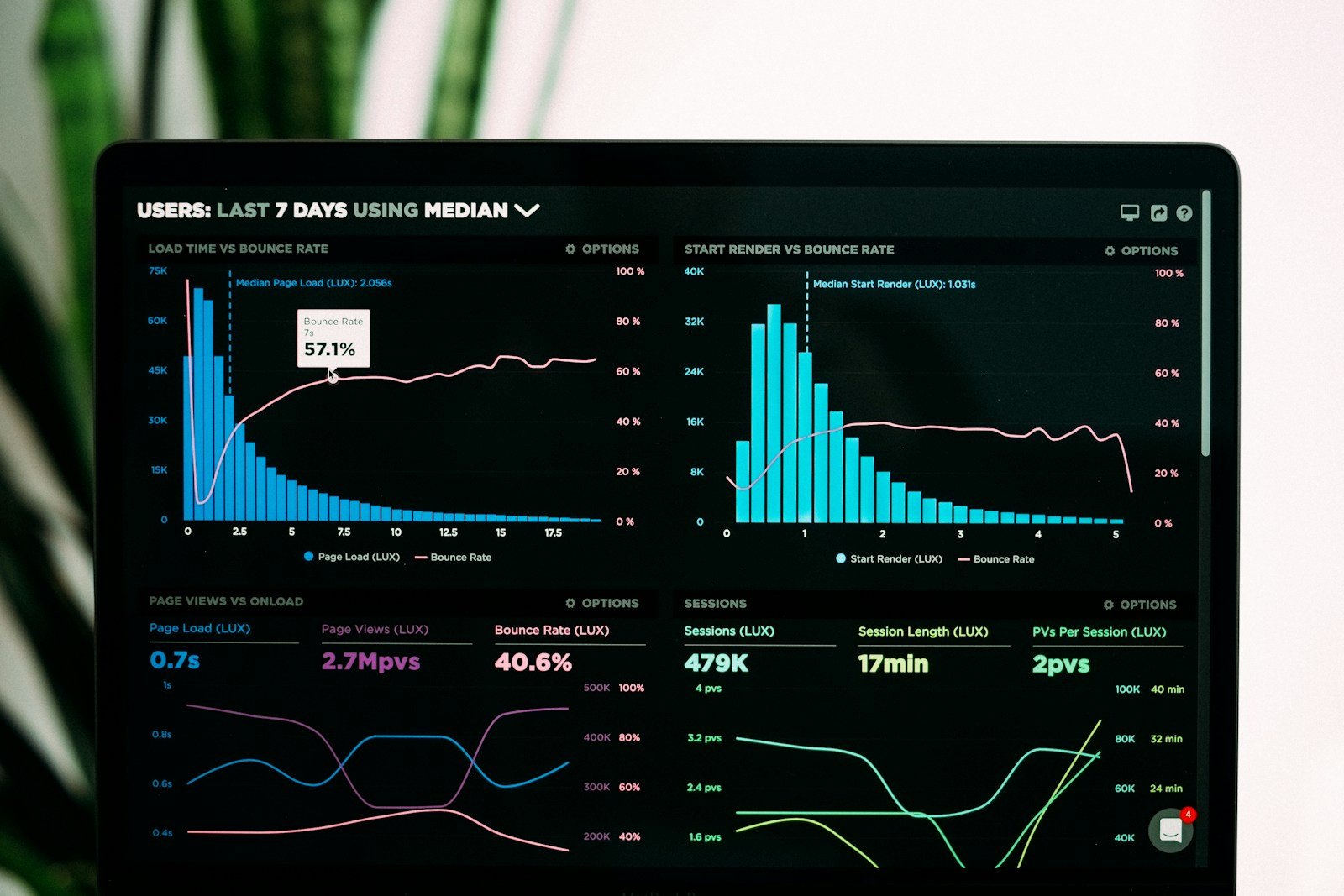
Successful trading technology is not defined by how many indicators or chart styles it offers. It is defined by whether users can understand the information, complete permitted actions safely and recover when something goes wrong. Teams planning Trading Software Faridabad should treat reliability, risk controls and usability as core product features.
Fameweb can help teams structure product requirements, user journeys, interface design and custom web/software development. These seven lessons are useful before a project moves from idea to implementation.
1. Start Trading Software Faridabad with real user research
Interview the intended users: retail traders, dealers, operations staff, compliance teams or administrators. Their needs differ. Map the top tasks, decision points, confusing states and information they need before acting. Avoid building features based only on assumptions or competitor screenshots.
2. Design the order lifecycle before the dashboard
Document every state: created, validated, submitted, acknowledged, partially filled, filled, cancelled, rejected or unknown. Define how each state appears to users and how it is reconciled with the broker. Treat an uncertain response as a state to investigate, not permission to submit a duplicate order.
3. Make Trading Software Faridabad safe under failure
Test latency, disconnected sessions, stale market data, API rate limits, service restarts and broker downtime. Show timestamps and data freshness. Build retry rules carefully, use idempotency where supported and create alerts for mismatched order or position records.
4. Build risk controls into the product
Depending on the product and applicable rules, consider order-value limits, quantity limits, exposure checks, price collars, user permissions, approval steps and emergency stop procedures. Risk settings need clear ownership, audit history and tests. Never treat a disclaimer as a substitute for functional safeguards.
5. Keep Trading Software Faridabad secure by design
Protect credentials and tokens, apply least-privilege access, encrypt sensitive data, rotate secrets and monitor suspicious activity. Avoid storing broker secrets in browser code or logs. Review dependencies and conduct security testing before production release.
6. Measure performance that users can feel
Track API latency, market-data delay, order acknowledgement time, error rates, reconnect success, reconciliation mismatches and incident recovery time. Define service objectives and alert thresholds. A single “uptime” percentage can hide important user-facing failures.
7. Launch Trading Software Faridabad in controlled stages
Start with clickable prototypes, then a sandbox integration, paper-trading tests, a limited pilot and a monitored production release where permitted. Train support staff, prepare incident playbooks and agree rollback criteria. Expand only after the pilot meets its acceptance tests.
How Fameweb can contribute
Fameweb can support discovery workshops, user research, wireframes, UI/UX, responsive web development and custom software planning. It can help align the product experience across trader, admin and support roles, and document integration requirements for specialist broker/API partners. See Fameweb, its marketing services and the trading software partner selection guide.
Watch a broker API trading app walkthrough
Use this technical video to understand a broker-API-based application concept and prepare questions about authentication, data access and order workflows.
Useful references include FYERS API documentation and tutorials, the SEBI technology framework material and the OWASP Top 10 security risks.
Learning takeaway: write a failure-mode checklist
List five failure scenarios—stale feed, broker timeout, duplicate request, expired token and partial fill. For each, specify what the user sees, what the backend records, who is alerted and how the system recovers.
Outreach step: Share your user roles, top five workflows and failure-mode checklist with Fameweb to discuss a realistic product scope.